Build Smarter Forms with Conditional Logic and Fields for Elementor
Introduction
If you have ever filled out an online form that seemed to ask questions that had nothing to do with you, you already understand the problem that conditional logic solves. Long, cluttered forms frustrate users and drive down completion rates. The solution is simple: only show the fields that are actually relevant to each person based on their previous answers. That is exactly what an Elementor Form Conditional Logic plugin is designed to do, and if you are building WordPress websites with Elementor, it is one of the most powerful tools you can add to your workflow.
What Is an Elementor Conditional Logic Plugin?
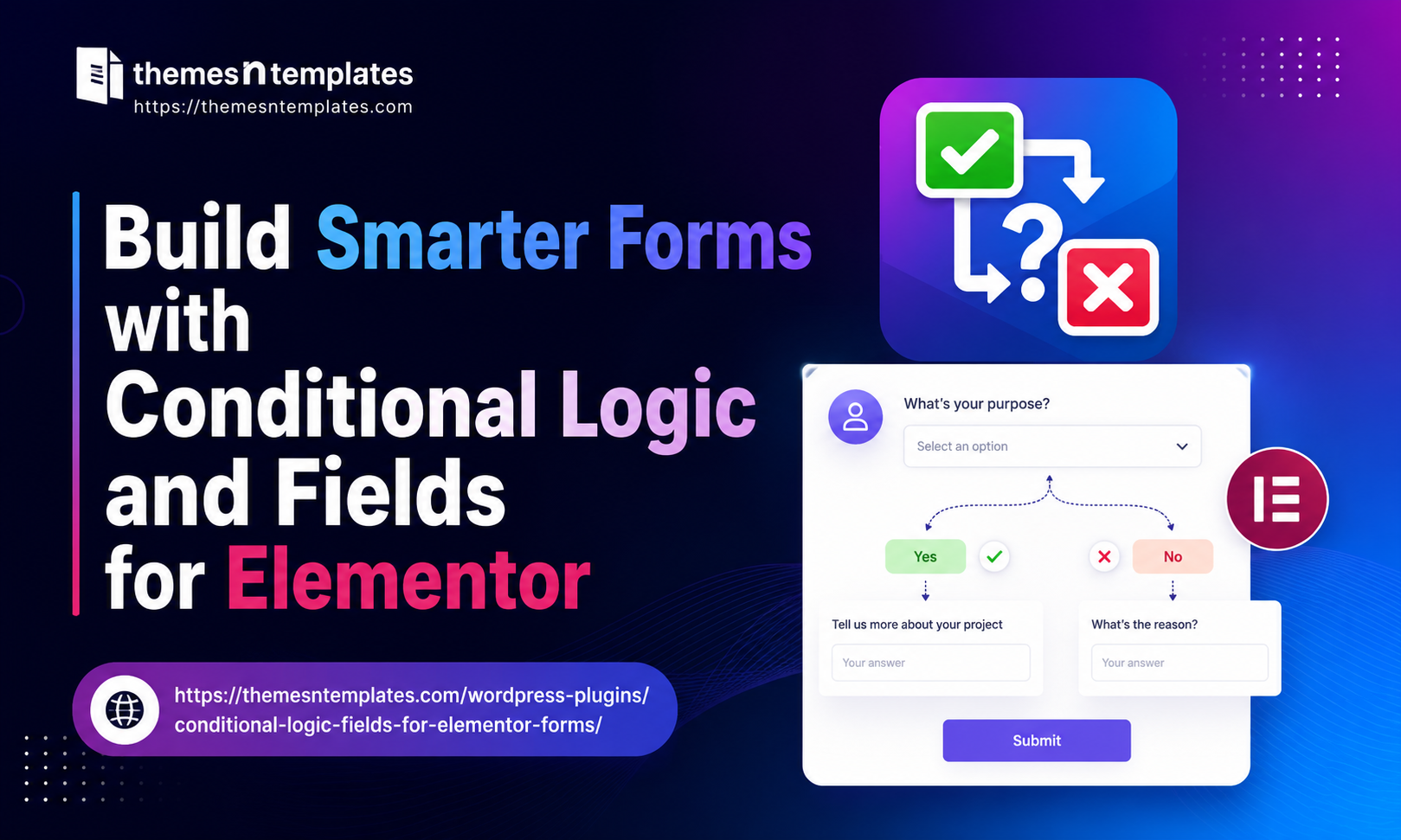
An Elementor Conditional Logic Plugin is an add-on that extends the native capabilities of the Elementor Form Builder. By default, Elementor forms are static; every field is visible to every user, regardless of context. A conditional logic plugin changes that by allowing you to define rules that control which fields appear, which fields stay hidden, and which fields become required based on what a user selects or types.
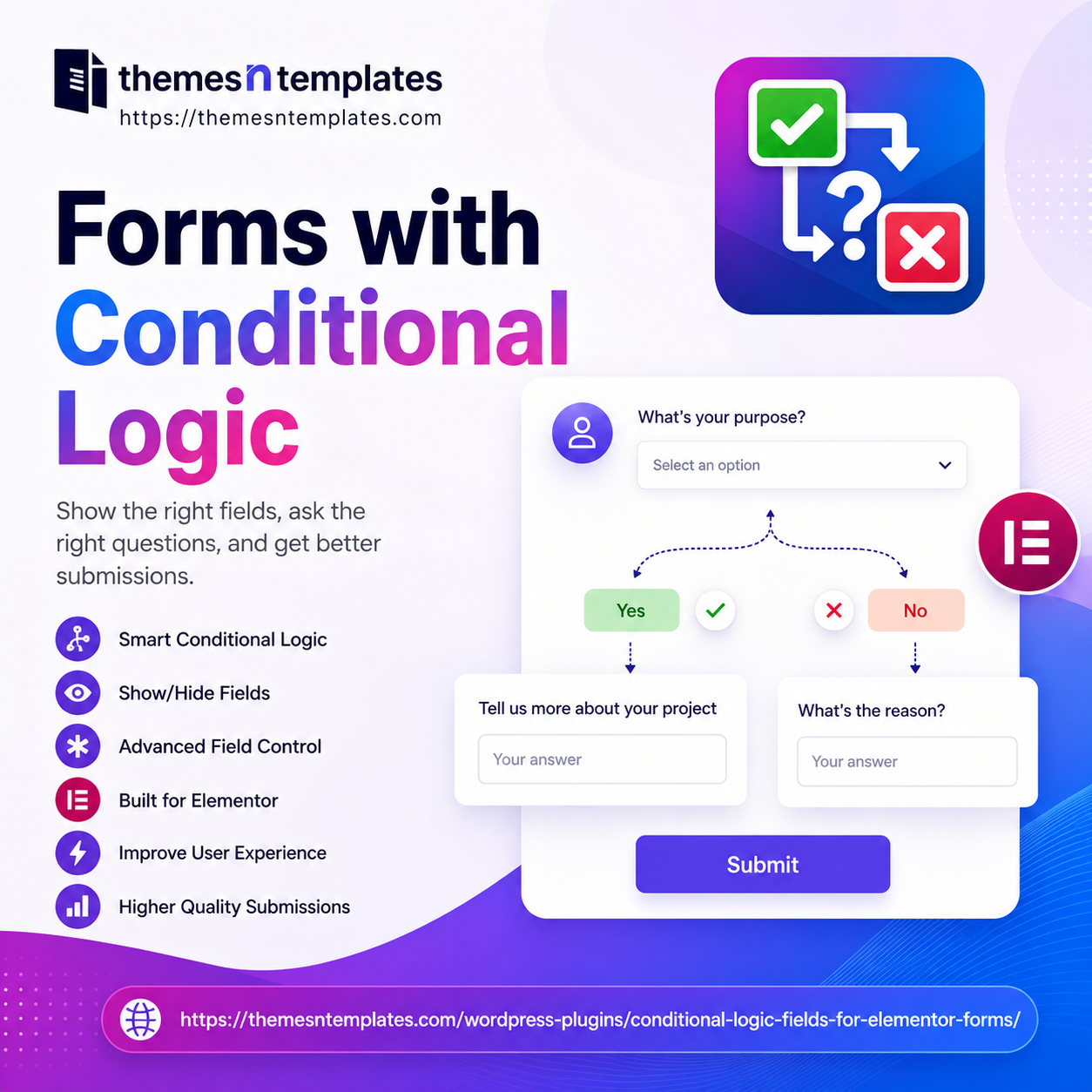
For example, imagine you are running a service-based business with a contact form. If a visitor selects “Existing Customer” from a dropdown, you might want to show a field asking for their order number. If they select “New Customer,” that field should stay hidden and be replaced with a question about how they found you. Without conditional logic, you would either need two separate forms or force every user to see fields that do not apply to them. With the Conditional Fields for Elementor Form plugin, you handle all of this in one clean, dynamic form.
Key Features to Look for in a Conditional Fields for Elementor Form Plugin
Here are the most important features to look for:
Multiple Condition Types A good plugin should support conditions based on text fields, dropdowns, checkboxes, radio buttons, and number fields. The more field types it can react to, the more flexible your forms will be.
AND / OR Logic Simple plugins only support single conditions. More advanced ones let you combine multiple conditions using AND (all conditions must be true) or OR (at least one condition must be true) logic. This allows for highly sophisticated form behavior without any coding.
Show and Hide Rules You should be able to both show fields when conditions are met and hide fields when they are not. Some plugins only support one direction, which limits your design options.
Required Field Control Conditional fields should also control whether a field is required or optional. A field that is hidden should never block form submission. A properly built plugin handles this automatically.
Real-Time Preview You should be able to preview the conditional behavior directly inside the Elementor editor, so you can test your logic without publishing the page first.
Not all conditional logic plugins are built the same. When choosing a Conditional Fields for Elementor Form solution.
Compatibility Make sure the plugin is compatible with your version of Elementor, your theme, and other plugins you are using. Conflicts are less common with well-maintained plugins, but always check the reviews and update history before installing.
How to Build Smarter Forms with Conditional Logic and Fields for Elementor ?
Getting started is straightforward. After installing your chosen Elementor Conditional Logic plugin, you will find conditional logic settings inside each form field’s options panel within the Elementor editor. You simply choose the field you want to control, set the condition (for example, “if Field X equals Value Y”), and define the action (show or hide). Stack multiple rules as needed, preview the result, and publish.
The real power comes when you start thinking about your forms from the user’s perspective rather than your own data-collection perspective. Ask yourself: What does this particular type of user actually need to fill in? Build your conditions around the answer to that question, and your forms will feel less like bureaucratic checklists and more like helpful, guided conversations.
Common Use Cases for Elementor Form Conditional Logic
The Elementor Form Conditional Logic Plugin is useful across virtually every industry and website type. Here are some of the most popular use cases:
Lead Generation Forms — Show different follow-up questions based on the type of service a prospect is interested in, so your sales team receives pre-qualified, segmented leads.
Booking and Appointment Forms — Display date and time pickers only after a service type is selected, keeping the initial form clean and approachable.
Survey and Quiz Forms — Branch the survey based on earlier answers, creating a personalized path through the questions for each respondent.
Support and Contact Forms — Ask for an order number only when the user indicates they are an existing customer, and route different inquiry types to different email addresses.
Job Application Forms — Show portfolio upload fields only for creative roles, or ask about certifications only when relevant to the position applied for.
E-commerce Inquiry Forms — Display product-specific questions based on what a customer selects from a product or category dropdown.
Why Conditional Fields Matter for User Experience ?
Forms are one of the most critical touchpoints on any website. Whether you are collecting leads, processing orders, booking appointments, or handling support requests, the form experience directly affects your conversion rate. Research consistently shows that shorter, more relevant forms perform better — not because they ask fewer questions in total, but because they only ask the right questions at the right time.
Elementor Form Conditional Fields make this possible without any custom coding. You set the rules visually, inside the Elementor editor, and the form automatically adapts in real time as users interact with it. Fields appear and disappear smoothly, the form feels intuitive, and users are far less likely to abandon it halfway through.
This matters even more on mobile devices, where long forms are especially frustrating to scroll through. When only the relevant fields are visible, the form feels shorter and faster to complete — even if the total number of potential fields is quite large.
Conclusion
Conditional fields for Elementor Forms are no longer a luxury feature; they are an expectation. Users are accustomed to smart, adaptive digital experiences, and a static one-size-fits-all form feels outdated by comparison. By adding a reliable Elementor Form Conditional Logic Plugin to your toolkit, you give yourself the ability to create forms that are shorter, smarter, and far more effective at converting visitors into leads, customers, and clients. Whether you are a freelance web designer, a WordPress developer, or a business owner managing your own site, conditional logic is one upgrade that pays for itself immediately.
About the Author
Krina Shah